
HERO HEIGHT
HERO BEHIND FIXED HEADER
Add display: none; to the existing properties for .stickyHeaderSpacer in site-theme.css
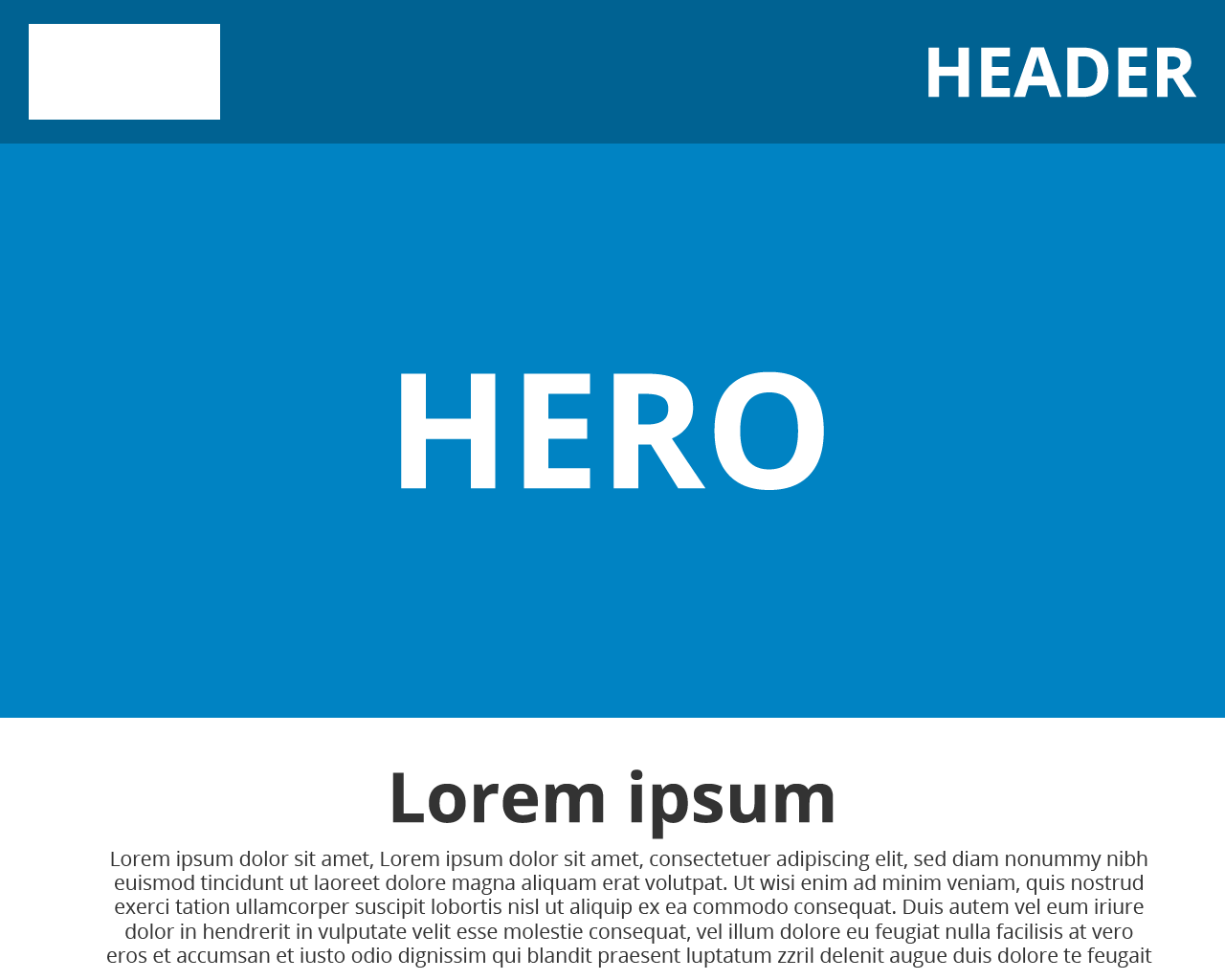
FULL HEIGHT HERO
To make a row span the full height of the browser window use the vh
(viewport height)
value. Note: this will not account for other rows above the fold i.e. header & nav rows.
[SELECTOR] {
height: 100vh;
min-height: 500px;
}
min-height should be set to ensure the row cannot shrink to less than the height of it's children.

FULL HEIGHT HERO - MINUS HEADER
To make a row span the full height of the browser window minus the height of other rows, combine the calc()
value with vh.
[SELECTOR] {
height: calc(100vh - 100px);
min-height: 500px;
}
The pixel value being taken away from the height should equal the height of all other rows to be considered i.e. header & nav rows.

VERTICALLY CENTERING HERO CONTENT
Flexbox can be used to vertically center content within rows/columns with responsive heights. See Flexbox
for more information.
